

Configuration
Running the MMG demo
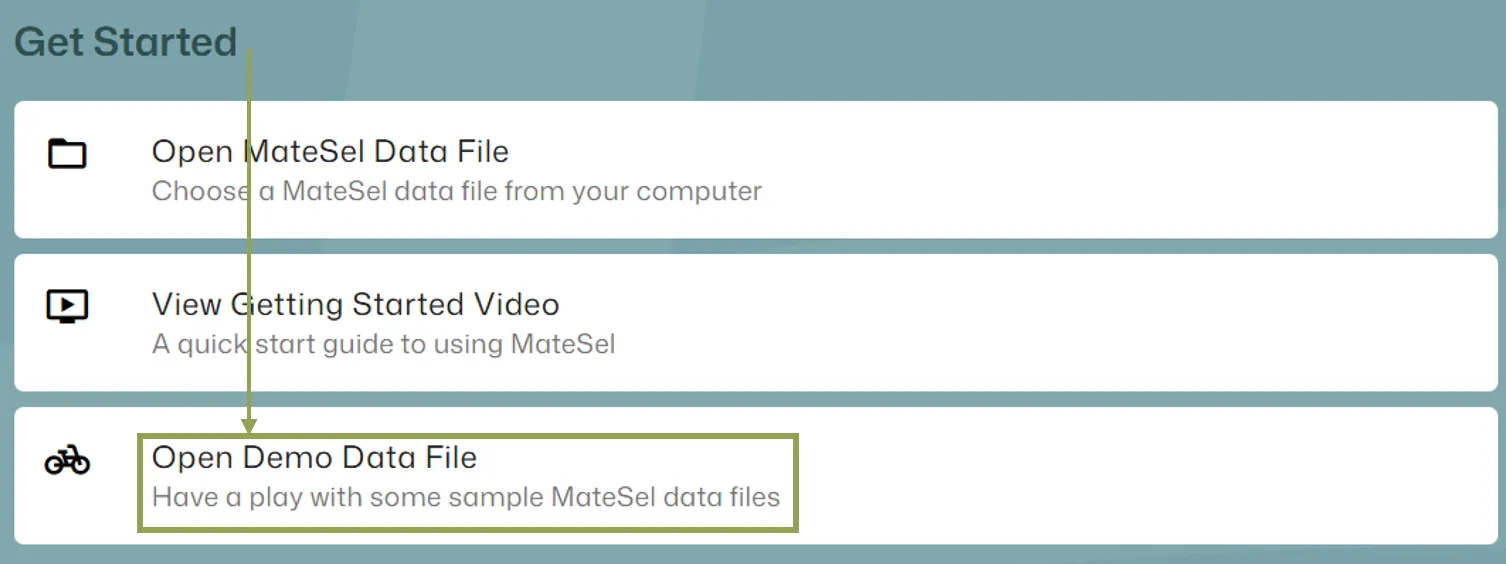
Section titled “Running the MMG demo”To quickly get started with this feature, it is recommended that you try the MMG demo as you follow the instructions below. You can find the MMG demo file from the home screen:
Main Data File Differences
Section titled “Main Data File Differences”When using Mixed Mating Groups, the MaxUse value should be 0 or 1, simply to indicate availability as a candidate. Values greater than 1 are treated as if they were 1.
For any candidate that you insist must be used, set their MustUse value to 1.
Settings for MinUse have no impact under MMG.
Starting the MMG workflow
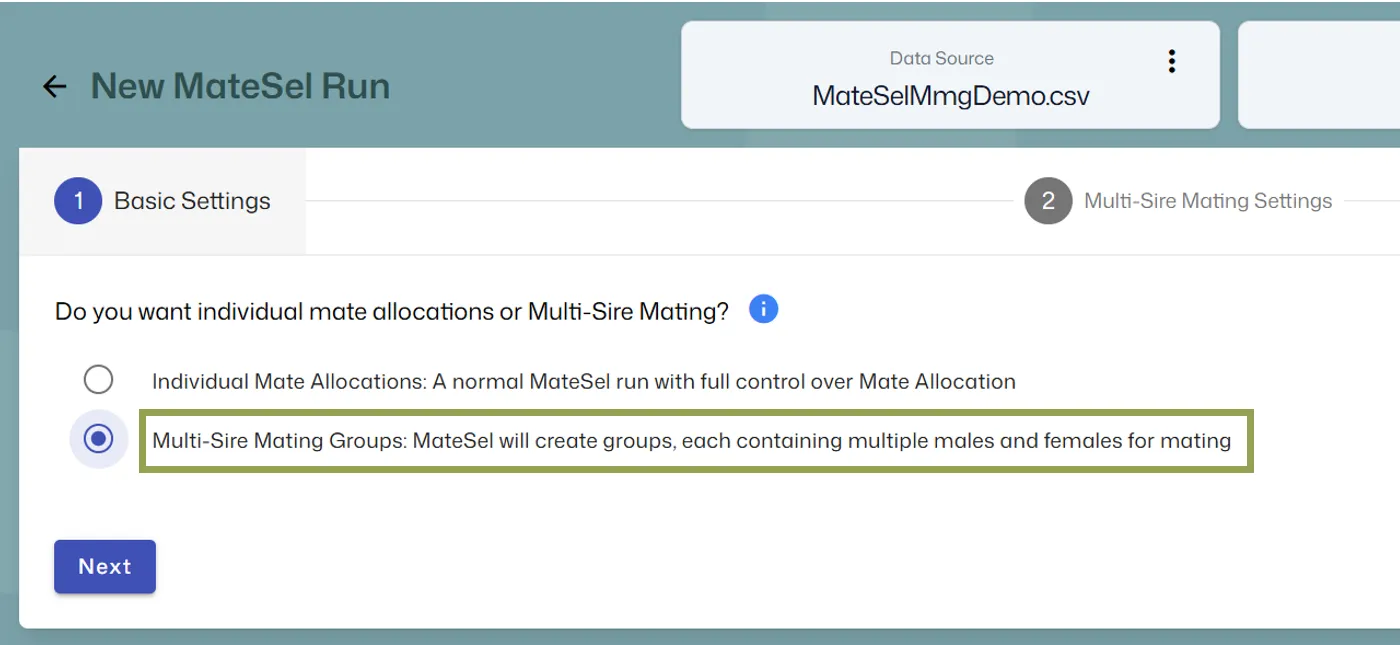
Section titled “Starting the MMG workflow”After your main data file is loaded, you will be given the option to perform the analysis for individual mate allocation or Mixed Mating Groups as pictured below:
Pre-assigned Group Options
Section titled “Pre-assigned Group Options”If you require males or females to come from specific groups that are pre-assigned in the main data file (via MatingGroup column), you can enforce these rules by checking one or both of the following options:
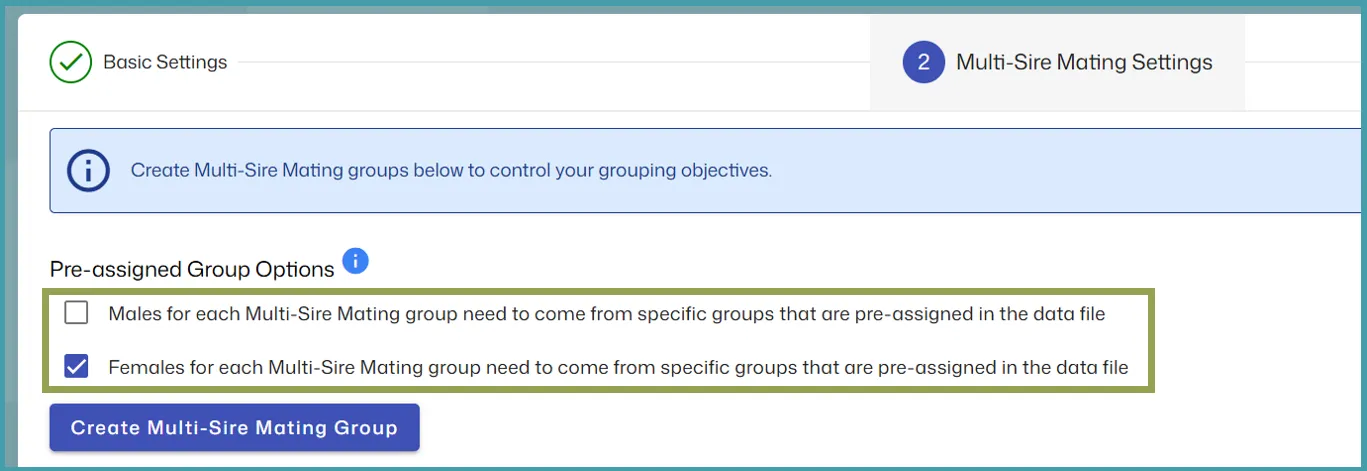
When creating an MMG (see next section), you will need to select a pre-assigned group if you have enabled this for males and/or females.
If you want MateSel to dictate male and female group membership for all individuals, leave both checkboxes unchecked.
Create MMG
Section titled “Create MMG”To create a MMG, click the Create button. To update a MMG, click the Edit button under the MMG name.
The Create/Update screen has the following inputs:
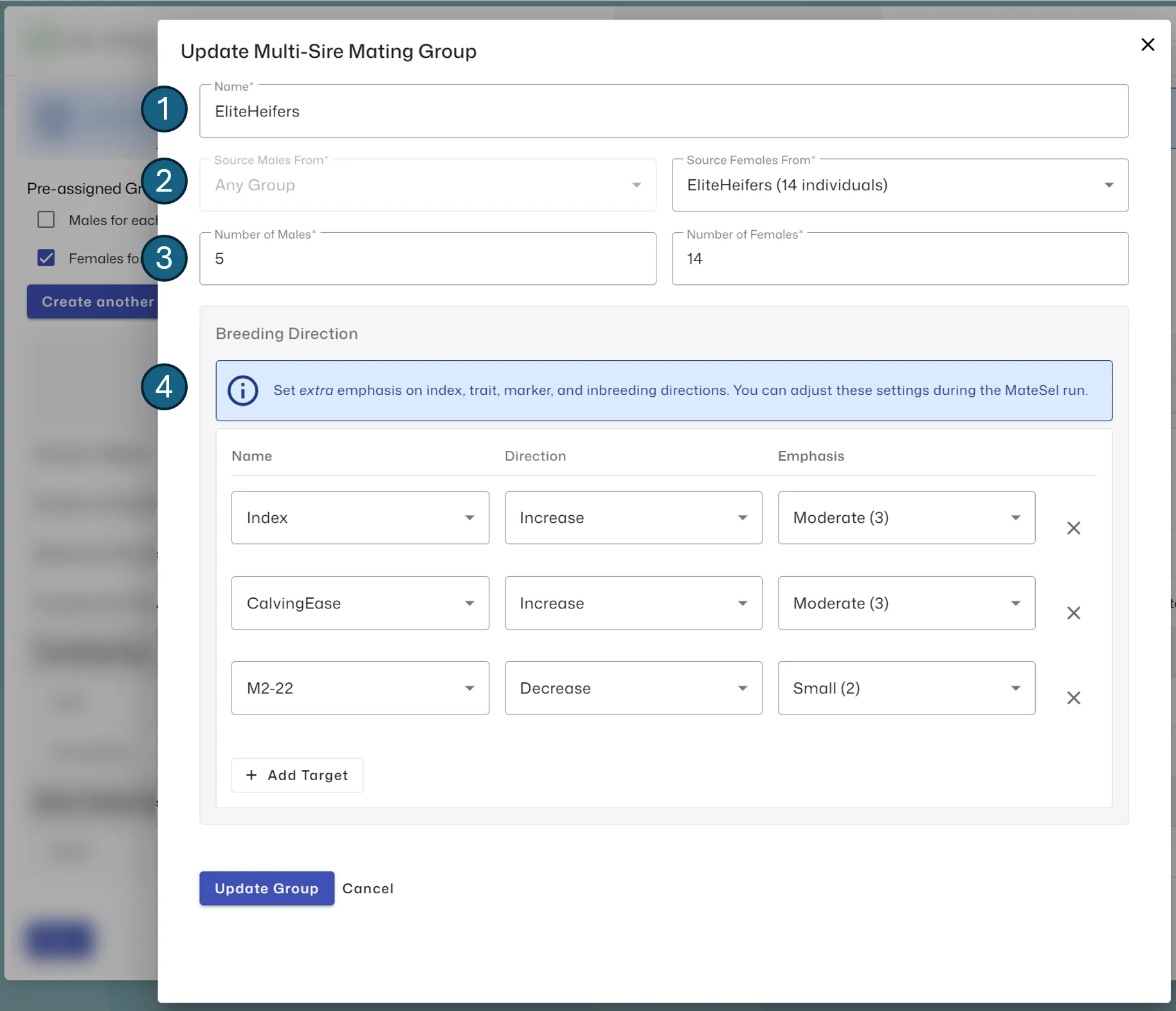
- Name: The name of the MMG (up to 15 characters)
- Male/Female Source: If you selected the Pre-assigned Group Options for males and/or females, you can select the pre-assigned groups from the main data file here. In the example above, we want the females to come from a specific group but all male candidates are eligible for selection into each MMG.
- Number of Males/Females: The number of males and females you require for the MMG
- Breeding direction: The weightings or emphasis that you adopt to control inbreeding, traits, and markers. You can also manage the overall index and male coancestory for each MMG. Breeding direction inputs can be updated during the analysis, allowing you to discover the appropriate emphasis for each direction by observing their impact on all aspects of the analysis outcome. Note that this gives similar functionality to Multiple EndUses, as each MMG can be set up to target its own EndUse.
After creating one or more MMGs, you can continue to the review step and run the analysis.
Committed Matings under MMG
Section titled “Committed Matings under MMG”Committed Matings does work in conjunction with Mixed Mating Groups. However, CommittedMatings.txt must contain individual matings (as usual) and not a list of mixed matings from a previous MMG round. In histograms, the actual numbers of Committed Matings are shown. This means that if you Show All Matings, the numbers of Committed Matings will appear small as the New Matings are all possible male-female pairings within each MMG. However, the means for Committed + New matings have been corrected for this difference.